How to theme your Android phone like a boss with Custom launchers

Hello, Geekzz,
As an Android fanboy, I love to tweak my phone a lot. In this post, I will show you my favorite Custome Launchers.Most of the programs are free, where some of the programs will be paid, but the value they bring is really high!So, without further ado, let's start with the review.

- My favorite custom Launchers
- Personal feedback
- Screenshots from my phone
- Prerequisites to install custom launcher (if any)
- Download links
Custome Launchers
One of the easiest way to mod your phone is to use a custom launcher. Using custom launcher app will bring a new fresh look to your phone and with few additional tricks you can make your phone really sweet.
 So what are the best apps in this category?
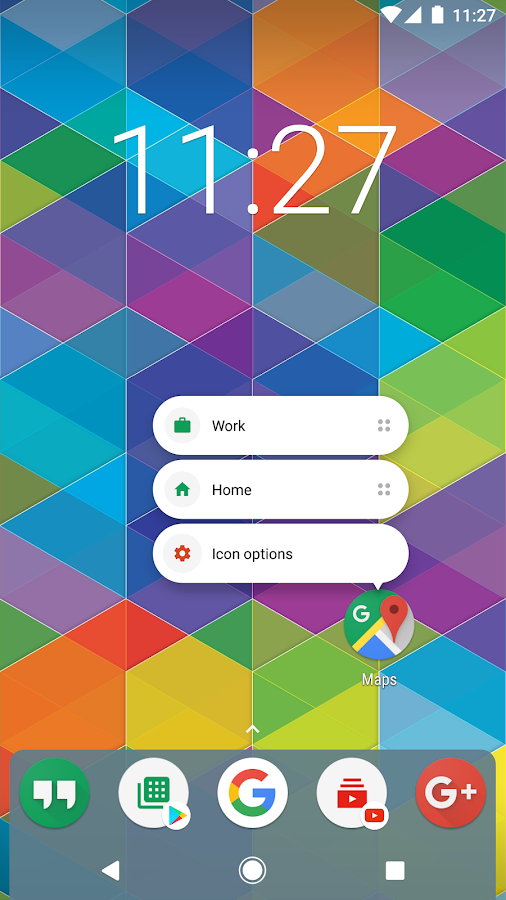
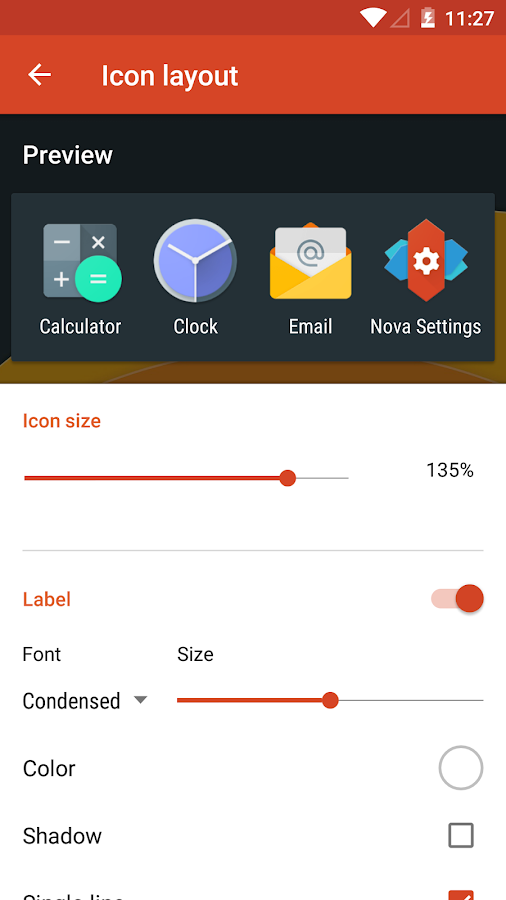
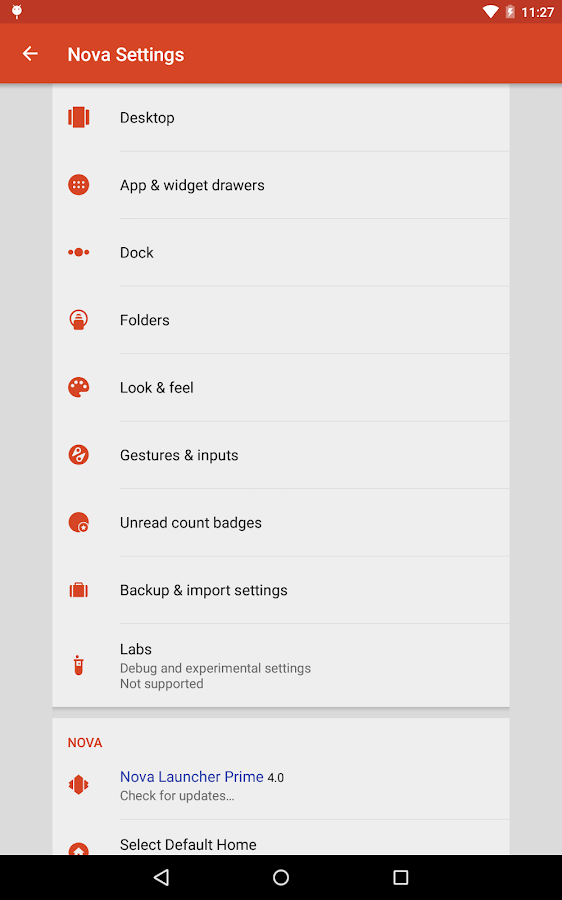
- Nova launcher - aka the King of the custom launchers. One of the best launchers on the market right now. This launcher offers a highly customizable home screen with many different color variations. With this launcher, you can change almost every aspect of your phone home screen. There is a free version of the launcher, but I highly recommend the pro version where you can have full control of all good customization options which this launcher offers. This is a must program for every mod fan. Here is a link to the free version of the program in Google Play Store - Nova Launcher
Pros:
- Supports icon packs.
- There is a freeware version.
- Reach variety of UI customization options.
- Customizable app drawer.
- Subgrid positioning.
- Backup/Restore options.
- Import and export options.
- Very Fast and Smooth work.
- No root is needed.
- Constant development.
Cons:
- You need to pay for the PRO version.*I personally, think that Nova launcher pro version price is affordable and it brings really high-end user value.
- You need an additional application for the Google Now ''swipe left'' option.


- Lawnchair - Customizable Pixel Launcher - This is my current custom launcher that I use on my Nexus 5x phone. This is a new customizable launcher with very high potential.This app is still in project phase where some changes and bugs can be expected, but to be honest for my 1-month of use, I'm pretty happy with this launcher. There are no disturbing bugs and performance spikes.If you want to check this launcher, you can download it for free. Yes for free! No additional charges, the application is absolutely free and there is a lot of support in XDA forums. If you want to make your phone to look like pixel phone, this is probably the best launcher for this purpose. Based on Launcher3 from AOSP, Lawnchair has all the features of the Pixel Launcher (including GNow), plus customizability. And the good news is that you don't need to root your phone, this launcher works perfectly on rootless phones. Oh yes, there are Android Oreo features which have been backported for anyone to use. You can download this launcher from here or here. For more details, please check XDA topic here

Pros:
- Supports icon packs.
- It is a freeware program with high potential and huge support community.
- Good UI customization options.
- Exclusive Pixel customization options.
- Build in Google Now ''swipe left'' option.
- Different behaviors options.
- Import and export options.
- No root is needed.
- Constant development.
Cons:
- Bugs and crashes can be expected.
- Missing preview screen in launcher options (as in other launchers).


- Evie Launcher - This is one of the best launchers you've never heard of, period! I was really impressed from the first install till present days. Definitely, this is one of my favorite custom launchers. Evie helps you do what you want faster with a radically simple home screen replacement. Simple, well-polished custom launcher with many customizable options.One of the unique Evie's feature is the universal search, which you can use to search a term, and it will bring up matches found on the device as well as results found on Google. To initiate the universal search, swipe down on the home screen or tap the device's Home button, type what you're looking for, and Evie will immediately display matching results.For sure this launcher is very different from the other launchers, but for me, this was one fresh addition to my mod collection. And again the good news is that this launcher is totally free! And to complete his awesomeness it is a rootless custom launcher. You can download Evie Launcher from here.

Pros:
- Supports icon packs.
- It is a freeware program.
- Simple&clean material design.
- Good UI customization options.
- Import and export options.
- No root is needed.
- Build in preview option.
- Constant development.
Cons:
- Google Now is missing from the home screen - you need to activate additional gesture option in order to start this google addition.
- Not enough customizations for the search bar.For me, it is too big and there is no option to make it small or to hide it.
- More gesture options are needed (they promised to add more)


My final thoughts
For full control over nearly every aspect of your smartphone’s look and performance, you’ll want to turn to a custom launcher. There are so many custom launchers on the market, but these 3 are one of the best right now. Again this is my personal opinion, but I'm trying to be as much objective as I can in order to bring you good launcher collection, which will add high value to your end user experience.
Copyrights&Disclamer
For full control over nearly every aspect of your smartphone’s look and performance, you’ll want to turn to a custom launcher. There are so many custom launchers on the market, but these 3 are one of the best right now. Again this is my personal opinion, but I'm trying to be as much objective as I can in order to bring you good launcher collection, which will add high value to your end user experience.
Copyrights&Disclamer
- Nova launcher pictures are taken from the official google play page. They are used only for educational/informational purposes.I do not own them and I don't claim any ownership.
- References- Nova Launcher
Comments
Post a Comment